

Find out what your careers site is actually telling candidates
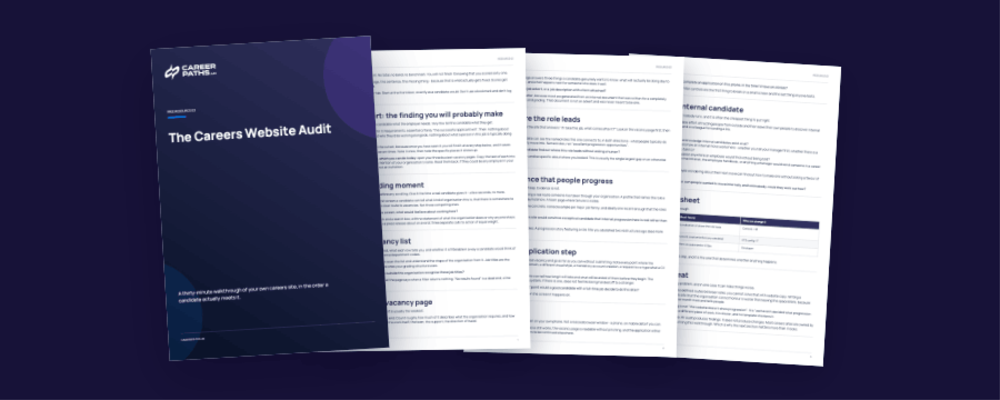
Most careers sites are built to publish vacancies, and they do that job well. This walkthrough shows you, page by page, whether yours does the other job — giving a candidate a reason to want the role rather than just the means to apply for it.
Careers Website Audit Checklist
Tell us where to send it and the guide arrives in your inbox in a couple of minutes.
"*" indicates required fields
What's inside
The asymmetry test — the single most common finding on a careers site, and how to check for it in about five minutes
Eight stops, in candidate order — the landing moment, the vacancy list, a single vacancy page, where the role leads, proof that people progress, the application step, mobile, and the internal candidate
What good looks like at each stop — so a finding is something you can point at, not an opinion you have to defend
The internal candidate walkthrough — the part of the audit almost nobody runs, and usually the fastest thing to fix
How to prioritise what you found — three filters, and a rule for choosing the first three fixes
A findings sheet you fill in as you go, ready to hand to whoever owns the site
Who it's for
HR, talent acquisition and internal communications leads in organisations of roughly 250 to 5,000 people — particularly if you inherited the careers site, can't edit it directly, and need evidence before you can ask anyone to change it. It will not suit you if you don't have a public careers site yet, because there is nothing to walk through. And if what you want is a score or a comparison against other organisations, this isn't it — take the Career Visibility Healthcheck instead. This audit produces a list of specific things to fix, not a number.
How long it takes
Thirty minutes, with your careers site open in one tab and the checklist in the other. Twelve pages. You will need a phone for one section and a colleague's login for another.
You will have a written list of specific, located findings — this page, this sentence, this missing thing — rather than a general sense that the careers site could be better.
That list is what turns "our careers site needs work" into a conversation someone can act on.